An integration can report “success” while the value someone sees is still wrong. A customer segment may change because a source field was edited, a transformation applied the wrong rule, or a destination record was updated by a second workflow. When the team cannot trace that change, troubleshooting becomes guesswork.
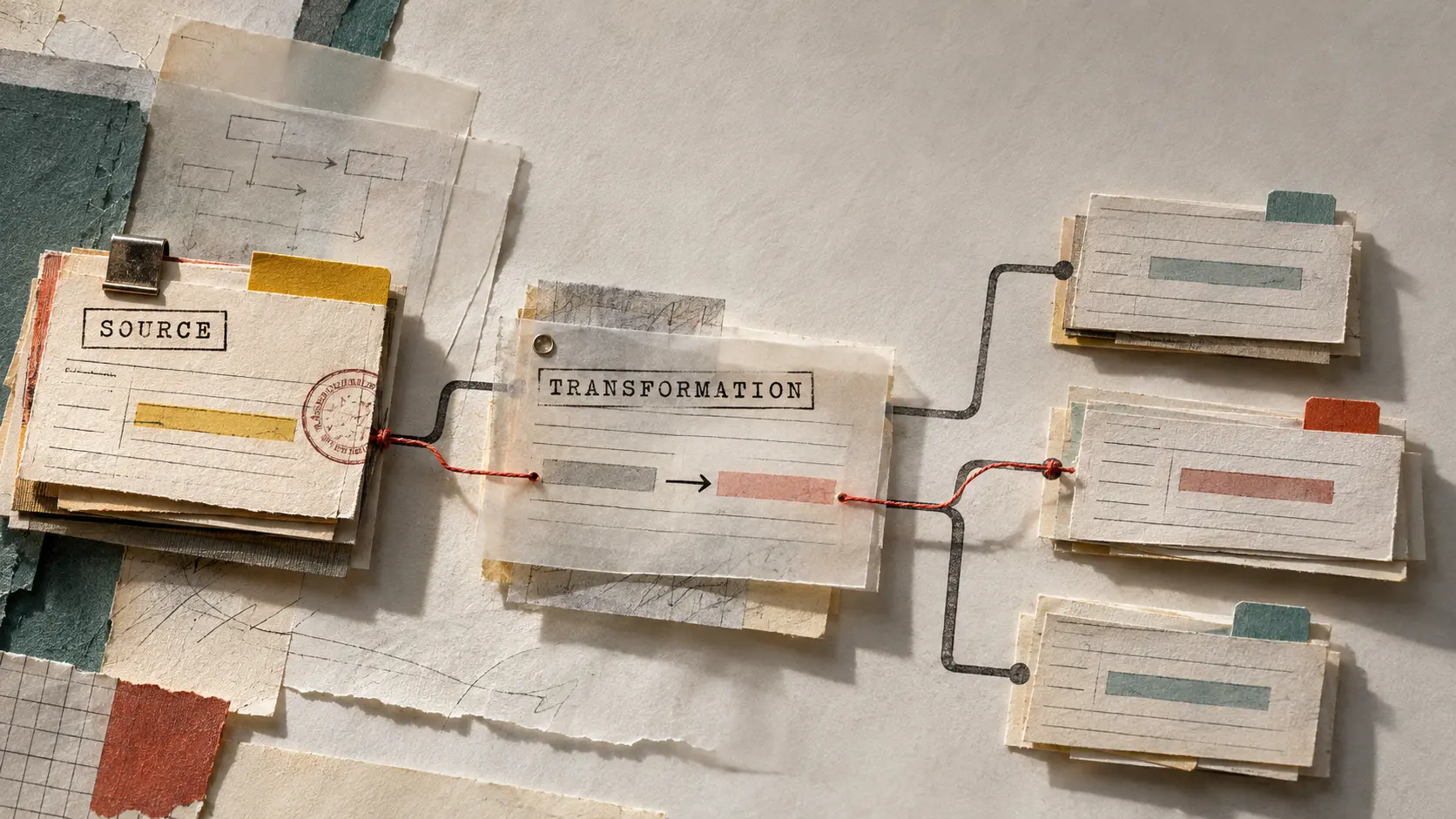
Record lineage gives each important value a path: where it started, what happened to it, which system wrote it, and when the destination last confirmed it. That path does not need to be a massive data-governance program. It can begin with a small, reviewable record of source identity, transformation steps, destination identity, and write outcome.
What record lineage means in an integration
Record lineage is the history of how one record or field moves through connected systems. It answers a practical question: “How did this value get here?”
For a CRM contact whose lifecycle stage changed, lineage might include:
- The source system and source record ID
- The source field name and value version that entered the workflow
- The integration run, webhook, or job that processed it
- The transformation or mapping rule applied
- The destination system and destination record ID
- The write attempt, response, and post-write verification result
Lineage is different from a general application log. A log tells you that a job ran. Lineage connects that job to the specific record and field that changed. It is also different from a backup. A backup can restore a state; lineage helps explain how the state was produced.
Start with the fields that change decisions
Trying to trace every field from the beginning usually creates too much noise. Start with fields that trigger action, reporting, access, communication, or financial treatment.
Examples include a donor’s appeal code, an ecommerce order status, a survey response identifier, a marketing consent state, a customer lifecycle stage, or a dashboard metric input. For each one, write down the source of truth and the systems allowed to update it.
A simple field map can use columns such as:
- Business meaning
- Source system and source field
- Stable source ID
- Destination system and destination field
- Allowed transformations
- Update authority
- Expected freshness
- Validation rule
This exercise often reveals that the team has an integration map but not an ownership map. Knowing that two systems exchange “status” is not enough. Someone must decide which status is authoritative, how conflicts are resolved, and what should happen when a value is missing or stale.
Keep stable identities beside the values
A lineage record is only useful when it can identify the record consistently. Names, email addresses, and display labels can change or be duplicated. Stable IDs are better anchors.
At minimum, preserve the source system name, source record ID, destination system name, destination record ID, and the integration or workflow ID. If a transformation creates an intermediate record, retain that identity too.
For example, a survey response may arrive with a response ID and a constituent ID, then be normalized before it reaches a CRM. The lineage should preserve the survey response ID and constituent ID even if the destination stores a different contact ID. That lets a team distinguish an identity-matching problem from a field-mapping problem.
Do not put sensitive values into lineage fields just because they are convenient. Record identifiers, field names, hashes, versions, and controlled status values are often enough to investigate a change. Avoid copying full survey URLs, access tokens, payment details, or unnecessary personal data into logs.
Record transformations as named steps
Many integration errors happen between the source and destination. A value may be trimmed, normalized, split, joined, converted, defaulted, or rejected. If the lineage only stores the final payload, the transformation is invisible.
Give meaningful transformation steps stable names. Instead of recording “mapped value,” record steps such as:
- Normalize phone number to E.164 format
- Map source campaign code to destination appeal ID
- Convert local timestamp to UTC
- Replace an empty source value with an explicit unknown state
- Route records without a stable ID to a review queue
For sensitive fields, store the rule name and a safe before-and-after indicator rather than the raw values. A checksum, value category, or validation result can show whether the field changed without creating a second store of personal data.
Separate write acceptance from destination truth
An HTTP success response is evidence that a request reached the receiving API and passed its immediate checks. It is not always evidence that the intended record now contains the intended value.
A destination may queue the write, apply additional rules, accept only part of a batch, or return a response that does not include the stored representation. Record lineage should therefore distinguish at least three outcomes:
- Request accepted: the API or job accepted the write attempt.
- Write completed: the destination reported that processing finished.
- Verified: a read-back, callback, reconciliation query, or other check confirmed the expected destination state.
These states make incident reports more precise. “The sync succeeded” is vague. “The request was accepted, but 14 records were not verified within the freshness window” tells the team what to investigate next.
Design a small lineage record
A useful lineage record can be compact. The exact schema depends on the systems involved, but a practical shape might include:
- lineage_id: unique ID for the trace entry
- source_system and source_record_id: where the record came from
- source_version or source_updated_at: which source state was processed
- workflow_id and run_id: which integration execution handled it
- transformation_version: which mapping or rule set was used
- destination_system and destination_record_id: where the value was written
- request_status, write_status, and verification_status: separate outcome stages
- processed_at and verified_at: timing for freshness and recovery
- error_code or review_reason: a safe, searchable failure category
Store the lineage record where the team can query it without depending on the source or destination interface. A small integration database, warehouse table, or structured event store can work. The important properties are stable identifiers, controlled fields, retention rules, and access controls.
Use lineage during troubleshooting
When a user reports that a destination value is wrong, follow the record forward and backward:
- Confirm the destination record ID and the field value currently displayed.
- Find the latest verified lineage entry for that destination field.
- Compare the source record ID, source version, and transformation version.
- Check whether another workflow wrote the destination after the recorded run.
- Inspect rejected, retried, or review-queued attempts for the same source identity.
- Reconcile the current source and destination values before replaying anything.
This process helps prevent a common recovery mistake: replaying a job before understanding whether the destination is wrong, stale, or correct but displayed through a cached or differently calculated view.
Validate the lineage workflow before relying on it
Lineage itself needs tests. Use controlled records to verify that the trace survives normal and abnormal paths.
- Change one source field and confirm the expected transformation is recorded.
- Send a duplicate event and verify that the lineage shows a retry or duplicate decision rather than a second business effect.
- Remove a required identifier and confirm the record is quarantined with a searchable reason.
- Force a destination validation failure and confirm the write and verification states are not marked successful.
- Delay a callback or read-back and confirm the record remains pending verification.
- Update the mapping rule and verify that the transformation version changes.
Also test access and retention. People investigating a data issue may need to see system names, IDs, timestamps, and failure categories without seeing unnecessary personal information. Define who can query lineage, how long it is retained, and how sensitive values are masked.
Make the path reviewable
Record lineage is most valuable when it helps a person make a decision quickly. Keep the path readable, use consistent status names, link related run and record IDs, and make exceptions easy to filter. A trace that exists but cannot be searched during an incident is only a partial solution.
The goal is not to create paperwork around every API call. The goal is to make important changes explainable: source state, transformation, destination write, and verification. Once that path is visible, teams can distinguish bad source data from bad mapping, delayed processing from rejected records, and a real integration failure from a misleading success response.
If your team cannot explain why a CRM field, survey response, report input, or customer status changed, DigitalWerks can help map the source-to-destination path, define a practical lineage record, and add validation that supports day-to-day operations.