
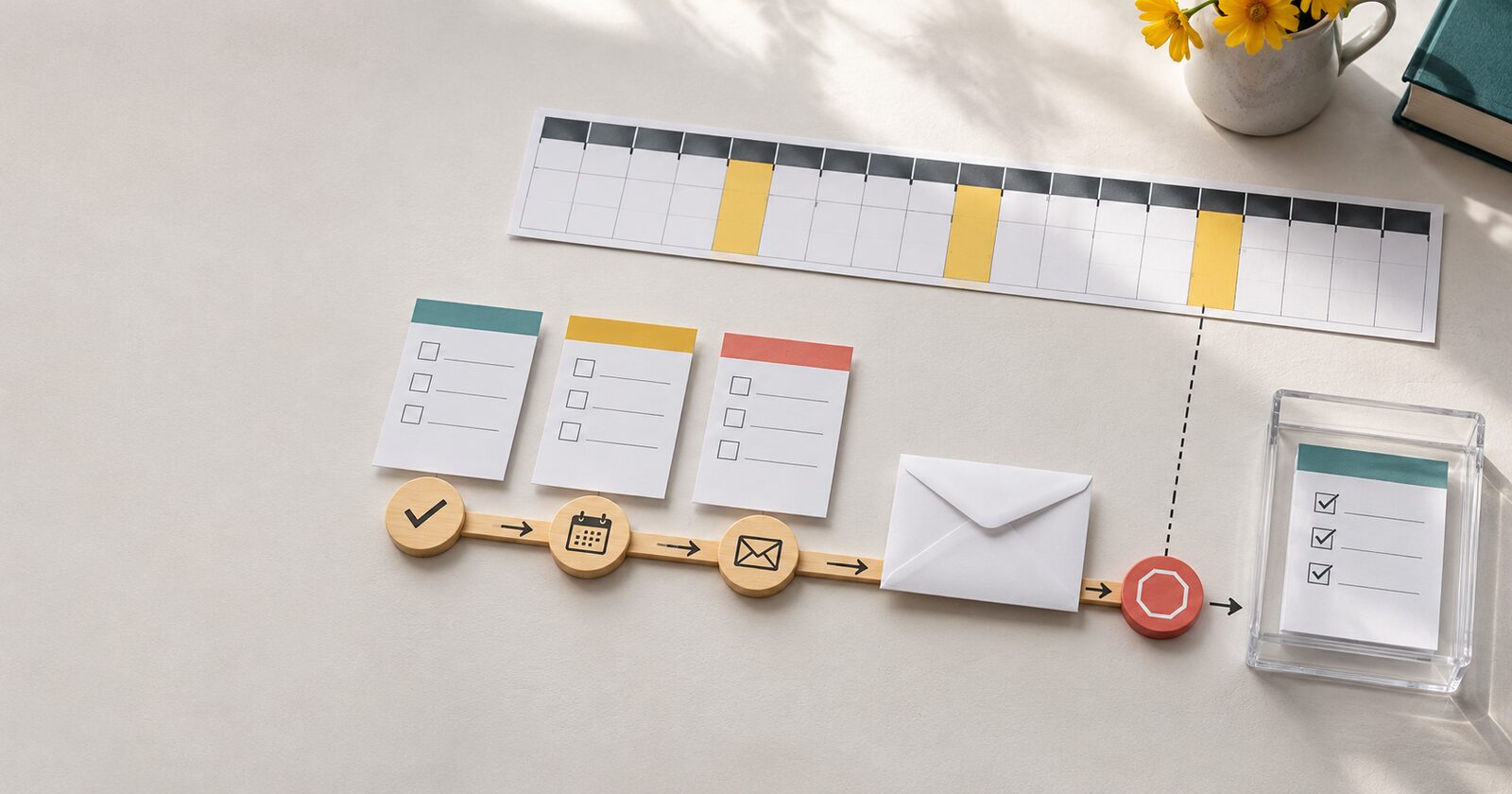
A reminder can increase survey completions, but it can also create duplicate responses, send after someone has already finished, or pressure people who should no longer be contacted. The difference is not the reminder email itself. It is the eligibility workflow behind it.
A reliable survey reminder process treats each invitation as a time-bound record with a stable identity, a current response state, and a clear stop rule. Before sending another message, the system should be able to answer four questions: who is this invitation for, what happened to the previous invitation, is another reminder allowed, and what event ends the sequence?
Start with an invitation record, not a mailing list segment
A contact record is not the same thing as a survey invitation. One person may receive different surveys for different events, programs, or time periods. If reminders are based only on a CRM contact or email address, one completed survey can accidentally suppress a later survey, or an unfinished response can be mistaken for no response at all.
Create a distinct invitation record for each survey opportunity. At minimum, it should carry:
- A stable invitation ID that does not change when an email address is corrected.
- The survey or campaign ID.
- The related person, household, customer, donor, or event ID, when the survey is identified.
- The destination email address and the date the invitation was issued.
- The current invitation state, such as queued, sent, delivered, opened, started, completed, bounced, opted out, expired, or suppressed.
- The number and dates of reminders already sent.
- The reminder eligibility date and the final date on which a reminder may be sent.
The invitation ID should be the key used for response matching and reminder decisions. Email is useful for delivery, but it is a poor primary identity because it can change, be shared, or appear on more than one invitation.
Define what “no response” actually means
A reminder workflow needs more than a yes-or-no response flag. A participant may have opened the invitation without starting, started the survey and saved a partial response, submitted a response that is waiting for validation, or completed the survey while the synchronization job is still processing.
Those states lead to different actions. A person who has not opened an invitation may need a different message from someone who began a survey yesterday. A response that exists in the survey platform but has not reached the CRM should not trigger another invitation. A bounced address should move to an exception path, not stay eligible for repeated sends.
Use a state model that separates participant activity from operational processing. For example:
| State | Reminder decision | Required check |
|---|---|---|
| Sent, no start | Possibly eligible after the waiting period | Confirm delivery and contact permission |
| Started, incomplete | Eligible only if resumes are supported and the reminder is appropriate | Preserve the same response and invitation identity |
| Completed | Stop | Confirm the response is stored and matched |
| Bounced or opted out | Stop and route to exception handling | Record the reason and source event |
| Unknown outcome | Hold | Reconcile the survey platform, sending platform, and destination system |
This distinction prevents a common mistake: treating a missing CRM record as proof that no response exists. The source survey platform or response store may be ahead of the integration.
Give every reminder sequence a stop condition
A reminder sequence should end because a defined event happened, not because someone remembered to turn it off. Typical stop conditions include:
- The invitation has a valid completed response.
- The response was rejected and requires human review.
- The invitation expired.
- The recipient opted out or became ineligible.
- The email address bounced or was suppressed.
- The maximum reminder count or campaign end date was reached.
- The survey was closed, withdrawn, or replaced.
Make stop conditions idempotent. If the completion event is received twice, the invitation should still end in the same completed state. If a reminder job runs at the same time as a completion sync, the job needs a final eligibility check close to send time. A decision made hours earlier from a stale export is not enough.
Separate reminder timing from reminder eligibility
Timing answers when the workflow may evaluate an invitation. Eligibility answers whether it should send anything. Keeping those questions separate makes the process easier to reason about.
A scheduled job might evaluate invitations every morning. That does not mean every invitation older than seven days should receive a message. The job should first filter to the correct survey and campaign, then exclude completed, opted-out, bounced, expired, and unknown-outcome records. It should apply the waiting period, reminder limit, contact-permission rules, and any quiet hours. Only after those checks should it create a send request.
For identified surveys, the send request should retain the invitation ID. For anonymous surveys, the workflow needs a different design. It may track delivery and completion at the campaign level, but it should not quietly add identity to a response that was intended to remain anonymous. The reminder process must follow the survey’s privacy model.
Keep the same response path when a participant resumes
Reminders should help a participant return to the original response, not create a new response every time. If the survey supports saved progress, the reminder link should resolve to the existing invitation and response identity. A new click should not create a second CRM activity, a second survey token, or a second counted response.
That requires a controlled link-generation step. The message can contain a signed or otherwise protected token that maps to the invitation record on the server. The token should not expose a full person record, sensitive fields, or an editable identifier. The receiving workflow should validate the token, check that the invitation is still active, and then open the correct survey state.
If the platform cannot resume a partial response safely, say so in the workflow design. A reminder that starts a fresh response may be acceptable for a short anonymous poll, but it is risky for a multi-page assessment or any process tied to a CRM record.
Design the integration around reconciliation
At least three systems may know something about an invitation: the sending platform knows delivery and engagement events, the survey platform knows starts and responses, and the CRM or data warehouse knows downstream matching and processing. Their timestamps and statuses will not always arrive in the same order.
Keep the source event IDs, invitation ID, response ID, event type, event time, processing time, and current mapped state. When a reminder job sees a conflict, it should hold the invitation rather than guessing. A reconciliation process can compare the source systems and resolve cases such as:
- The survey platform shows a completed response, but the CRM sync is delayed.
- The sending platform reports a bounce after an older delivery event.
- A participant starts twice because a resume link was lost.
- A completion arrives after the reminder was queued but before it was sent.
Logging should support diagnosis without copying unnecessary response content or sensitive personal data into every system. Store references and event metadata where possible, and limit access to the response data itself.
Test the edge cases before the first reminder
A happy-path test proves only that one message can be sent. Reminder workflows need scenario tests that exercise the stop and hold paths.
- Send an invitation, complete it, then run the reminder job. Confirm no reminder is created.
- Start a response, resume it from the reminder link, and confirm that the same response ID is retained.
- Submit a response while the reminder job is running. Confirm the final eligibility check prevents a late send when the completion is visible.
- Simulate a bounce, opt-out, expired invitation, and unknown integration outcome. Confirm each state stops or holds the sequence as designed.
- Deliver duplicate completion and delivery events. Confirm the invitation state and reminder count remain correct.
- Run the job twice. Confirm it does not create duplicate send requests for the same invitation and reminder cycle.
Review the actual records after each test. Check the survey platform, sending platform, CRM, analytics events, and logs. A green job status does not prove that the participant saw the right message or that the response was stored against the correct invitation.
Make the reminder useful, not merely frequent
A reminder workflow should make it easy for the right person to complete the right survey at the right time, then stop when the work is done. That depends on stable invitation identity, explicit response states, protected resume paths, bounded timing, final eligibility checks, and reconciliation across systems.
If your team is seeing duplicate responses, reminders after completion, or unclear survey-to-CRM matching, DigitalWerks can review the workflow from invitation creation through response storage and downstream synchronization. The useful starting point is a state map and a small set of repeatable tests, not another reminder schedule layered onto an unclear process.